The invitation template library
1,200+ designs across 33 occasions, none of them locked behind a paid tier, and every one already built as an invitation rather than a picture of one.
The short version
The InviteDrop template library holds 1,200+ invitation designs across 33 occasion categories. Every design is free to open, customise and preview without an account, and no template, font, colour, envelope or animation is reserved for a paid tier. Each one is a working invitation rather than a graphic: the text fields, the date and location, the animated envelope and real time RSVP tracking are already attached, so it is finished when you finish typing. Guests open it in any browser with no app and no account, and are never shown an advertisement.
- invitation designs
- 1,200+invitation designs
- occasion categories
- 33occasion categories
- designs behind a paid tier
- Zerodesigns behind a paid tier
- with envelope and RSVP built in
- Every onewith envelope and RSVP built in
The library by occasion
Depth inside the occasion you are hosting matters more than the total. These counts are read from the live catalog, so each one is the number of designs the page actually shows.
- Wedding invitations360
- Birthday invitations333
- Baby Shower invitations151
- Holiday invitations125
- Bridal Shower invitations79
- Graduation invitations44
- Bachelorette invitations43
- Engagement invitations36
- Anniversary invitations31
- Housewarming invitations31
- Retirement invitations30
- Dinner Party invitations23
- Bachelor Party invitations11
The full catalog spans 33 occasion categories, including quinceaneras, sweet sixteens, retirements, memorials and every major holiday. Browse all 1,200+ designs.
How to judge a template library
Six tests that apply to any platform, including this one. Two of them are tests we do not win.
- 1
How many designs you can actually use
Not the headline number, the usable number. A library of a million graphics where the good ones sit behind a subscription is smaller in practice than a library of two thousand you can open all of. Count what is reachable on the free tier.
- 2
Whether a design is an invitation or a picture
A general design marketplace gives you a canvas that looks like an invitation. An invitation library gives you a design with the text fields, the date and location, the envelope and the RSVP already wired to it. The second one is finished when you finish typing.
- 3
How much of a design you can change
Some libraries let you swap the words and nothing else. Judge whether you can change the type, the colours, the photograph and the envelope, and whether doing so breaks the layout.
- 4
Whether the occasion you need is covered in depth
Breadth across occasions matters less than depth inside the one occasion you are hosting. Ten wedding designs is not a wedding library. Look at the count on the occasion page, not the total on the home page.
- 5
What the recipient sees
A template is only half delivered. Check whether the design arrives as a static image, as an advertisement-bearing page, or as the thing you designed, and whether your guest has to install anything to see it.
- 6
What it costs once you send it
Browsing is free everywhere. The price appears at the send step, and it is charged per recipient on some platforms and once per event on others. Price the library at the guest count you actually have.
How the major libraries compare
Only the rows that describe the library itself. Every competitor claim was checked against that company’s own published pages on 2026-10-01. The full side-by-side, including pricing and delivery, is on the comparison hub.
| Library | InviteDrop | Paperless Post | Evite | Greenvelope | Partiful | Canva |
|---|---|---|---|---|---|---|
| Template library size | InviteDrop holds 1,200+ designs across 33 occasions, all of them invitations | Thousands of designs, the largest dedicated invitation library here | Large, covering most casual occasions | Smaller and designer led, chosen rather than accumulated | Themes rather than a stationery library, with backgrounds, fonts and animations on top | Millions of templates, though most of them are not invitations |
| What you can change on a design | On InviteDrop, every text field, colour, font, photo, envelope, liner, texture, stamp and seal | Text boxes, photos, stickers and custom colours by hex or eyedropper, plus envelope, liner and stamp on Premium | Customizable designs on both tiers, with exclusive designs on Premium | Text, colours, fonts and envelope styling, with deep customization | Backgrounds, fonts, animations and posters, by its own homepage | Everything, because on Canva you start from a blank canvas |
| What you get without paying | Yes, InviteDrop gives you 5 invitations on every event, with no ads and no watermark | Partly, the first 50 Flyer invites always send free and paid Card designs are charged in Coins per recipient, by its own page | Yes, but Evite shows ads to your guests on the free tier | Yes, Greenvelope offers a trial sending to up to 10 people with no card required | Yes, Partiful is free for standard events | Yes, Canva is free to design with, and its Forms element collects responses, but it does not send to a guest list |
| Animated envelope | Yes, InviteDrop opens every invitation with an animated envelope, included free on every design | Partly, an envelope, liner and stamp come with its paid Premium tier on Card invitations | Partly, animated effects and reveals come with paid Premium, by Evite’s own feature table | Yes, Greenvelope has an envelope reveal with liner, stamp and wax seal | Partly, Partiful’s own pages describe themes, fonts and animations, not an envelope | No, Canva exports a static image or PDF |
One design from each occasion
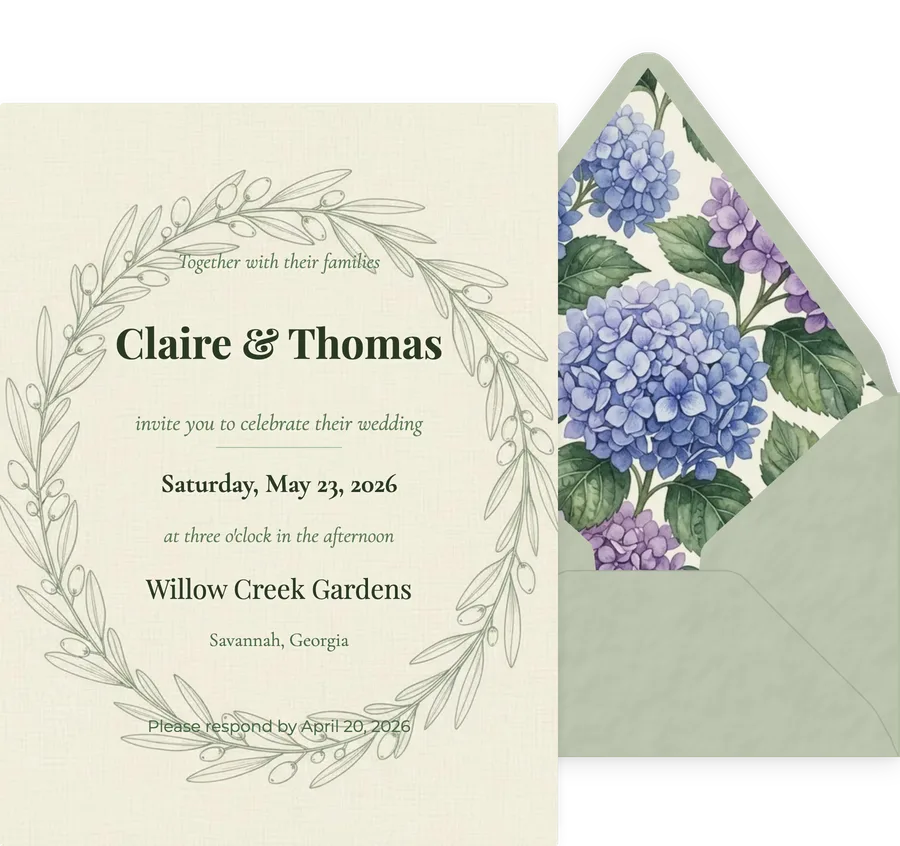
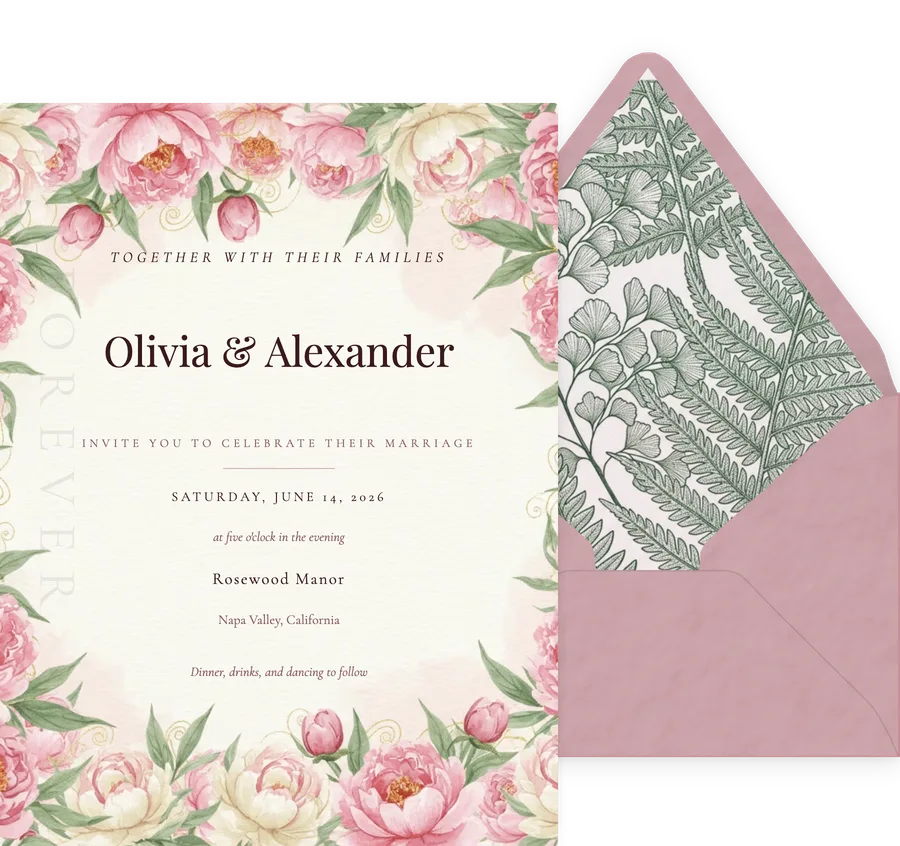
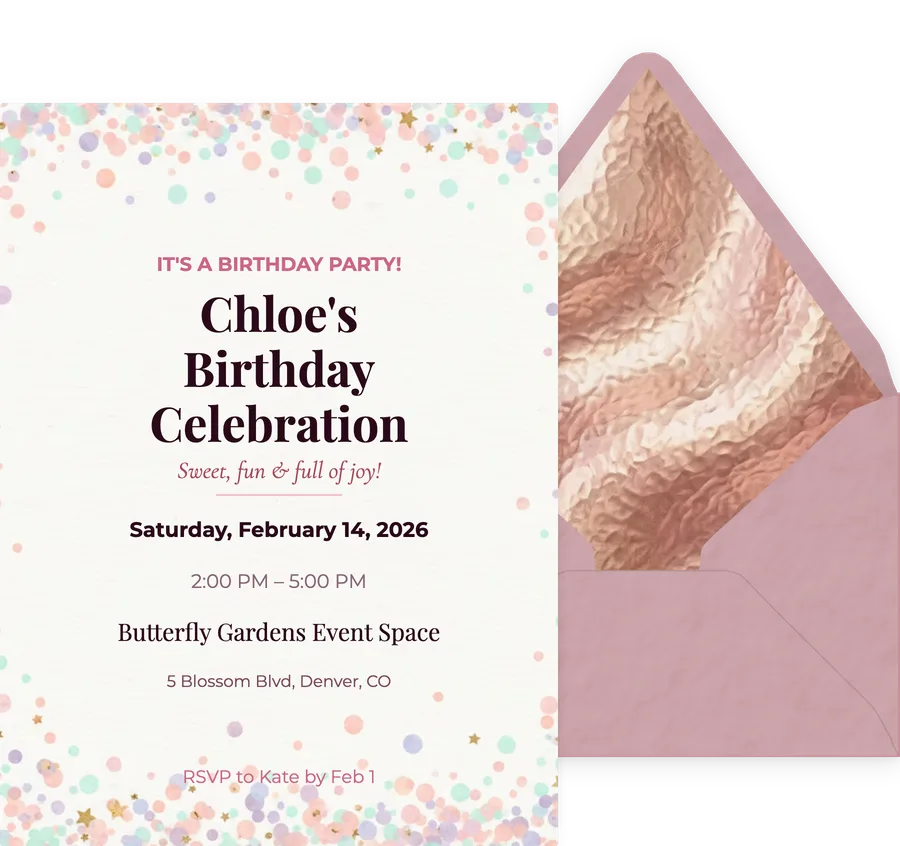
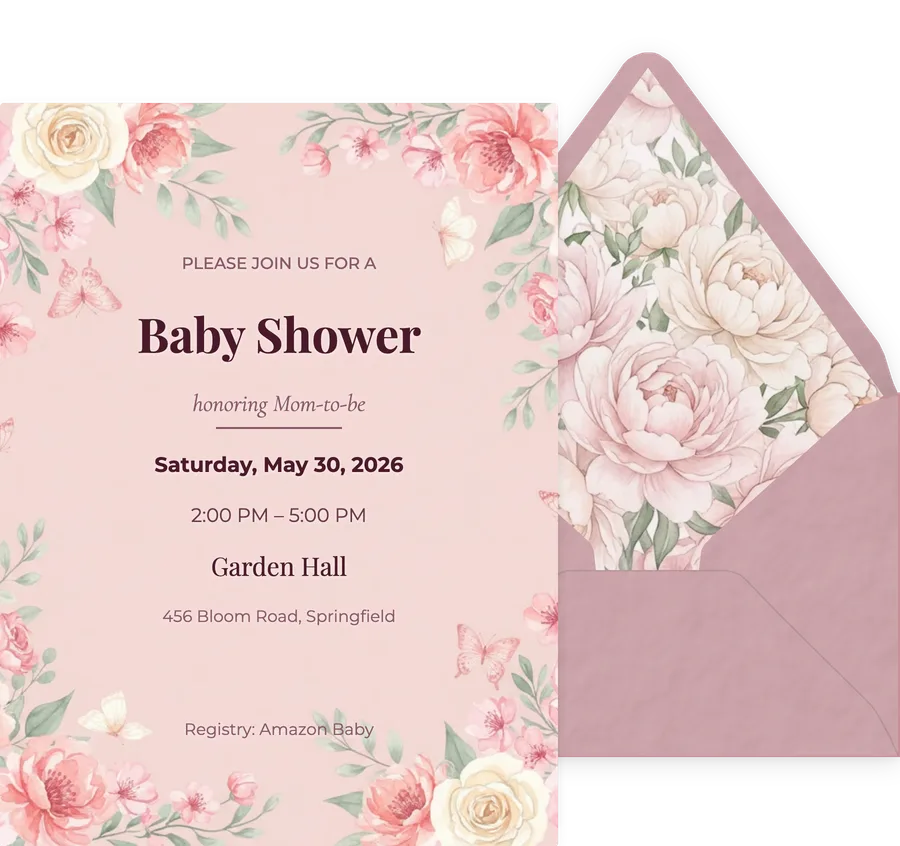
Every card here is in the free library, shown with the envelope your guest opens.
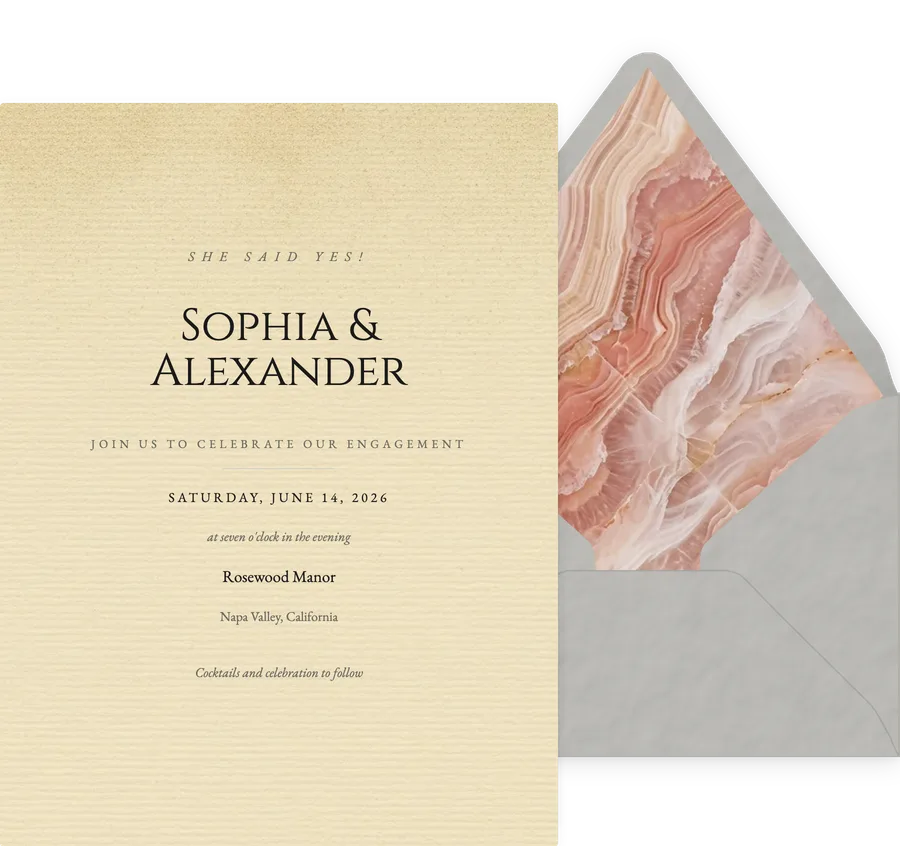
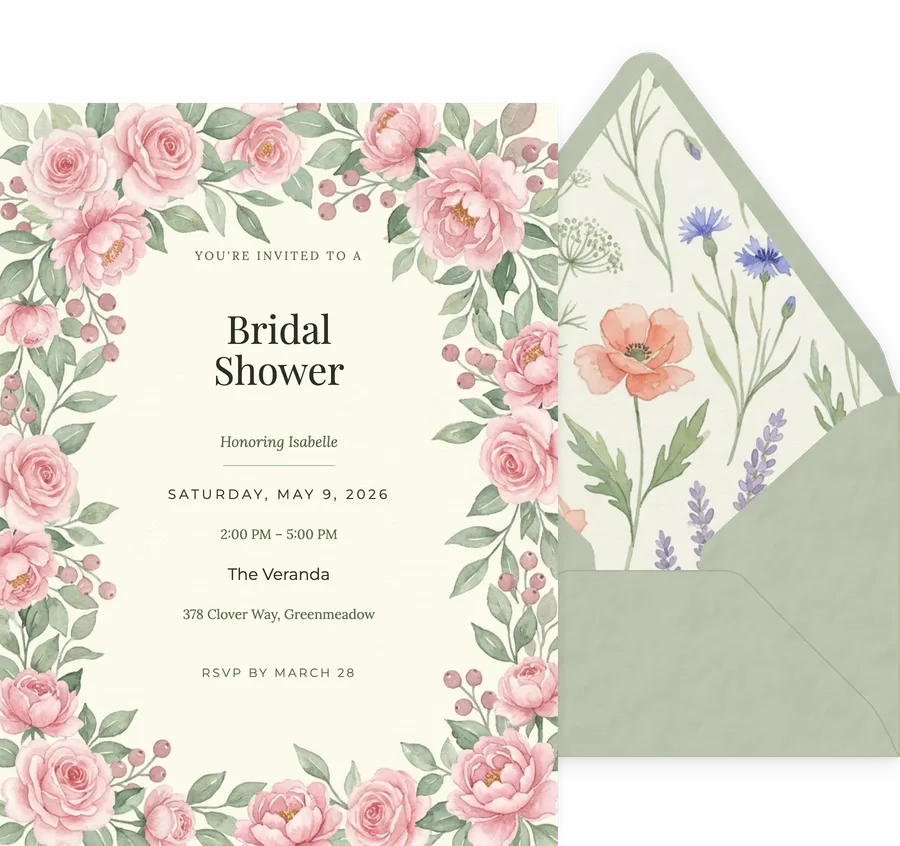
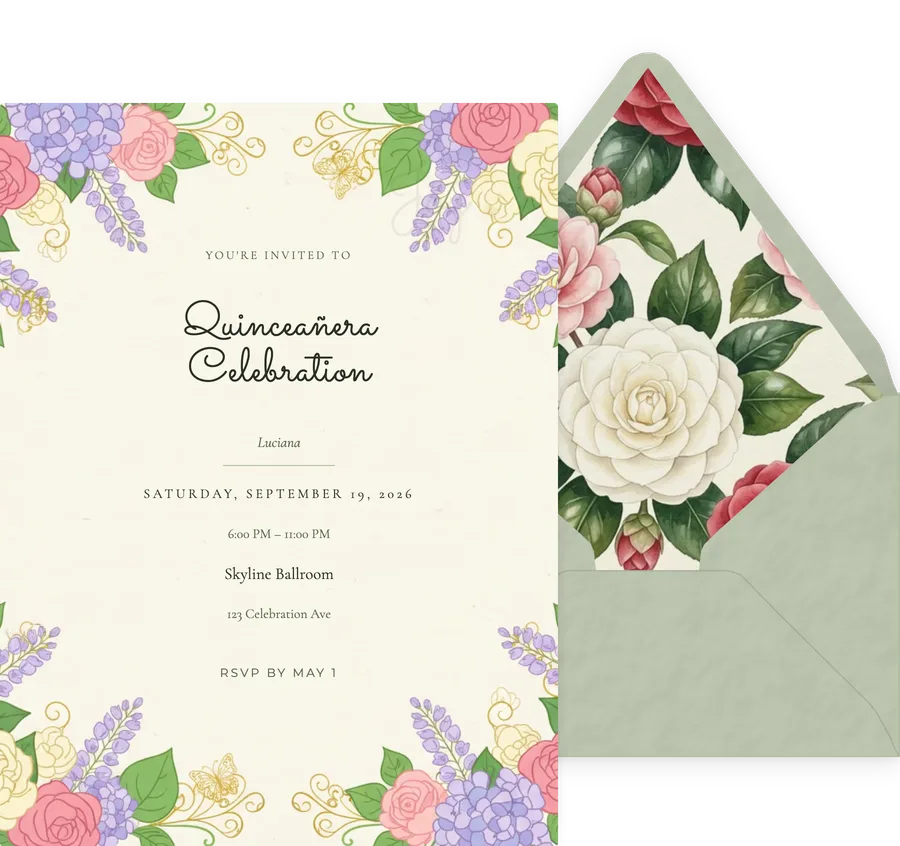
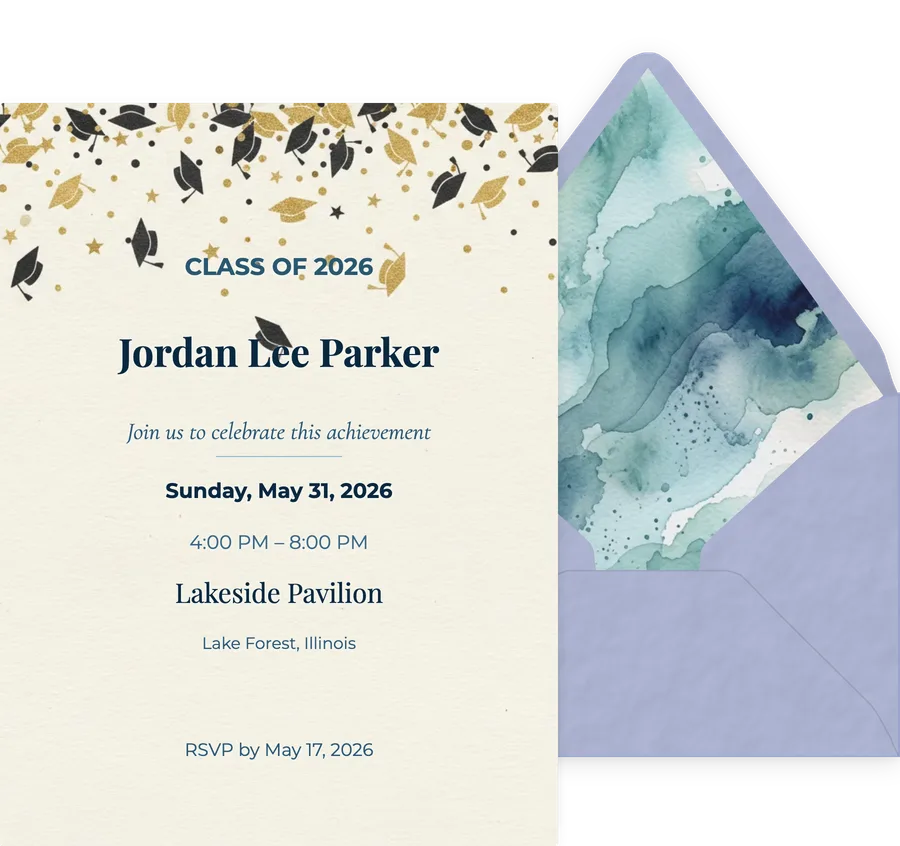
Nothing in it is gated
The most common way a template library shrinks is at the checkout, not on the shelf. Here is what the free tier actually reaches.
- All 1,200+ designs, with no premium set held back
- Every font, colour and layout option on every design
- The animated envelope, liner, stamp and wax seal on every design
- Real time RSVP tracking with guest counts and custom questions
- Your first 5 invitations on any event
- No advertisement and no watermark shown to your guests
Questions about the library
What is the best invitation templates library for digital invitations?
It depends on whether you want to design something or send something. Canva holds by far the most templates, but they are general design files: Canva exports a static image or a PDF, and it cannot send an invitation or collect a reply. Paperless Post has the largest library built specifically for invitations, charged in coins per recipient. InviteDrop sits between the two: 1,200+ designs across 33 occasions, every one of them a working invitation with the envelope and RSVP tracking already attached, and none of them behind a paid tier.
Which invitation templates library has the best templates for digital invites?
Judge it on the occasion you are actually hosting rather than the total. Greenvelope curates a smaller designer-led library. Minted leads on print-derived design. Canva wins on raw volume. For a digital invite specifically, the test is whether the design arrives at your guest as the thing you made, which rules out any library that only exports an image.
Where can I find a free invitation templates library for digital invitations?
Every design in the InviteDrop library is free to open, customise and preview without an account, and the first 5 invitations on any event are free to send with no advertisement and no watermark. No template, font, colour, envelope or animation is reserved for a paid tier. Payment happens once per event, only when your guest list goes past the free allowance.
How large is the InviteDrop invitation template library?
1,200+ designs across 33 occasion categories, covering weddings, birthdays, baby showers, save the dates, graduations, engagements, bridal showers, quinceaneras, anniversaries, retirements, housewarmings, holidays and memorials. The counts on this page are read from the live catalog, so they are the number of designs you will actually land on.
Is a bigger template library better?
Only up to the point where you can use it. Two numbers matter more than the total: how many designs exist for your specific occasion, and how many of those are reachable without an upgrade. A library of millions in which the invitation category is thin and the good designs are gated is smaller, in practice, than a focused one you can open all of.
Do I need an account to browse the template library?
No. Browsing, opening a design and customising it takes no account. An account is only required at the point you send, because sending needs somewhere to track the replies.
Can I upload my own photo or artwork into a template?
Yes. Photo templates take your own image, and every design lets you change the text, the fonts, the colours, and the envelope, liner, stamp and wax seal around it.
Open any one of them
No account needed to browse or customise. Your first 5 invitations on any event are free to send, with the envelope and RSVP tracking included.
Pick a design