The best digital invitation app,
and the proof beside it
Every InviteDrop invitation opens with an animated envelope, the catalog holds 1,200+ designs built as invitations rather than blank canvases, and the whole price is published before you start. Here is how it measures up against everything else people consider, including the rows we lose.
Why InviteDrop comes out ahead
Six things we do that the rest of this list does not, each one checkable further down this page.
The envelope actually opens
Every InviteDrop invitation arrives sealed and opens with a cinematic envelope animation, on every design, at no extra cost. Greenvelope has an envelope reveal too and charges more per guest for it. Evite treats animated reveals as a paid Premium feature, Paperless Post sells the envelope, liner and stamp as paid Premium elements on its Card invitations, and Partiful and Canva describe no envelope on their own pages.
See the Animated envelope row below
1,200+ designs, all of them invitations
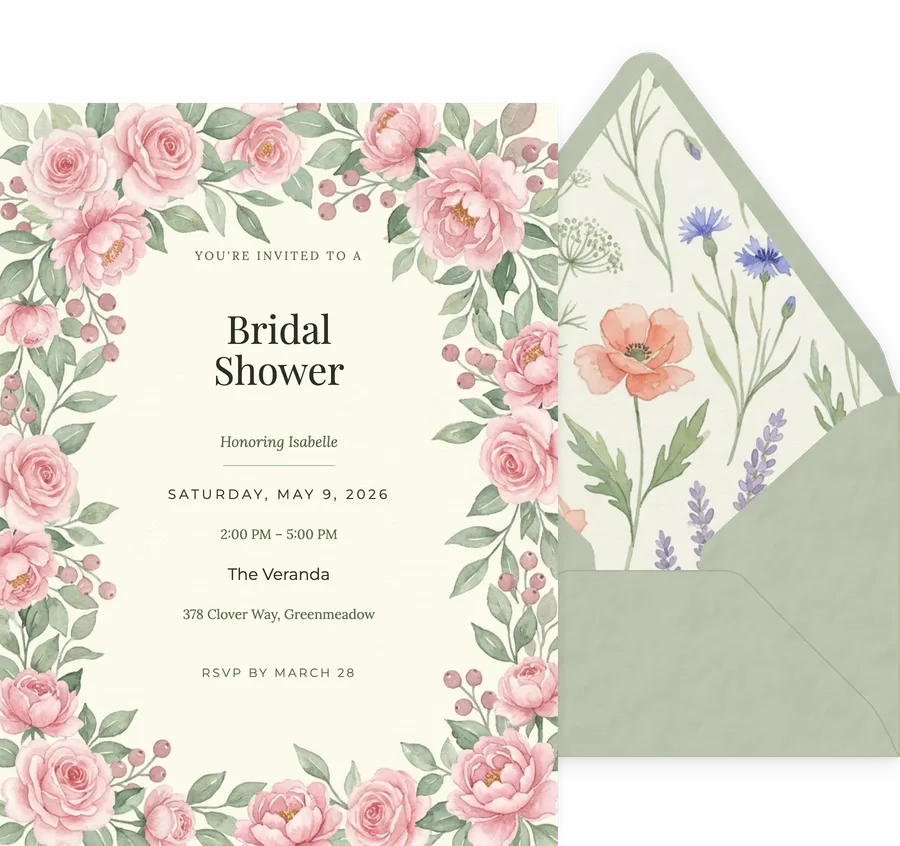
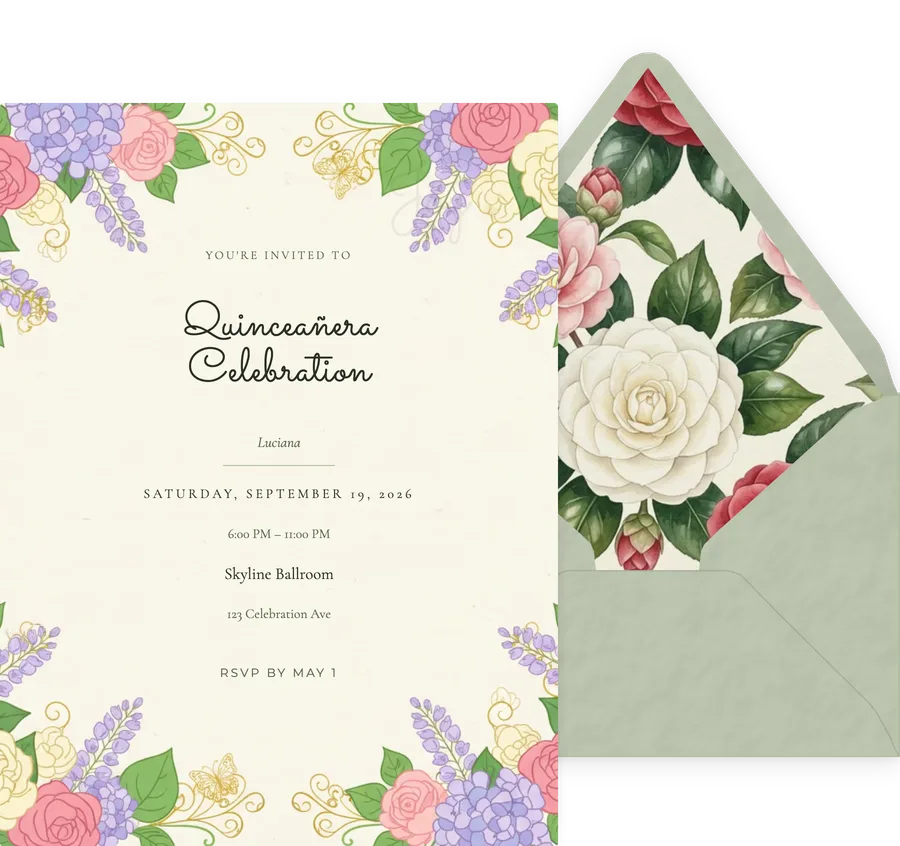
The catalog spans 33 occasions, from weddings and baby showers to quinceaneras, retirements and memorials. Every design already has the text fields, the envelope and the RSVP built in.
Browse the full catalog
One price, published upfront
You see the whole cost before you start. One flat Event Pass covers the entire guest list, so there are no coins to buy in packs, no credits to top up, and no subscription that renews on you.
See the pricing table below
Your guests never see an ad
No advertising on the invitation, none in the RSVP flow, and we do not sell guest data. Guests open the invitation in any browser, with no app to install and no account to create.
See the Free tier row below
Built for a phone first
The full editor works on a phone, not a cut-down version of it. You can design an invitation, add the guest list and send it without ever opening a laptop.
See the Mobile-first editor row below
RSVPs land in real time
Yes, no and maybe come back live with head counts, so you always know where the guest list stands without chasing anyone or exporting a spreadsheet.
See the RSVP row below
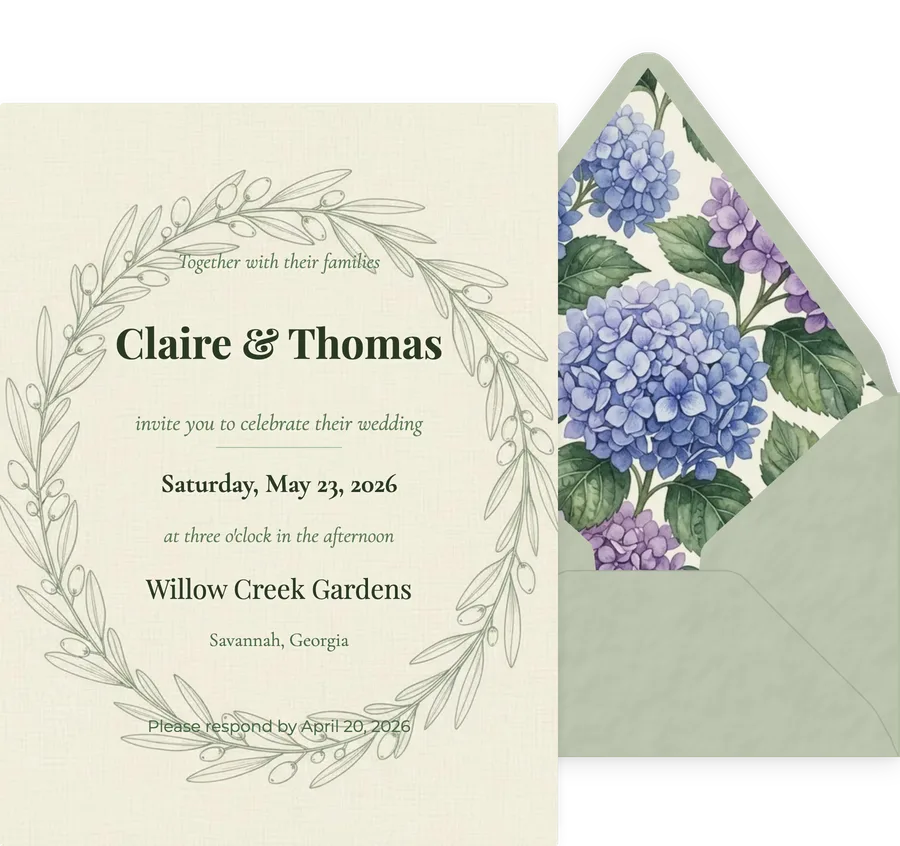
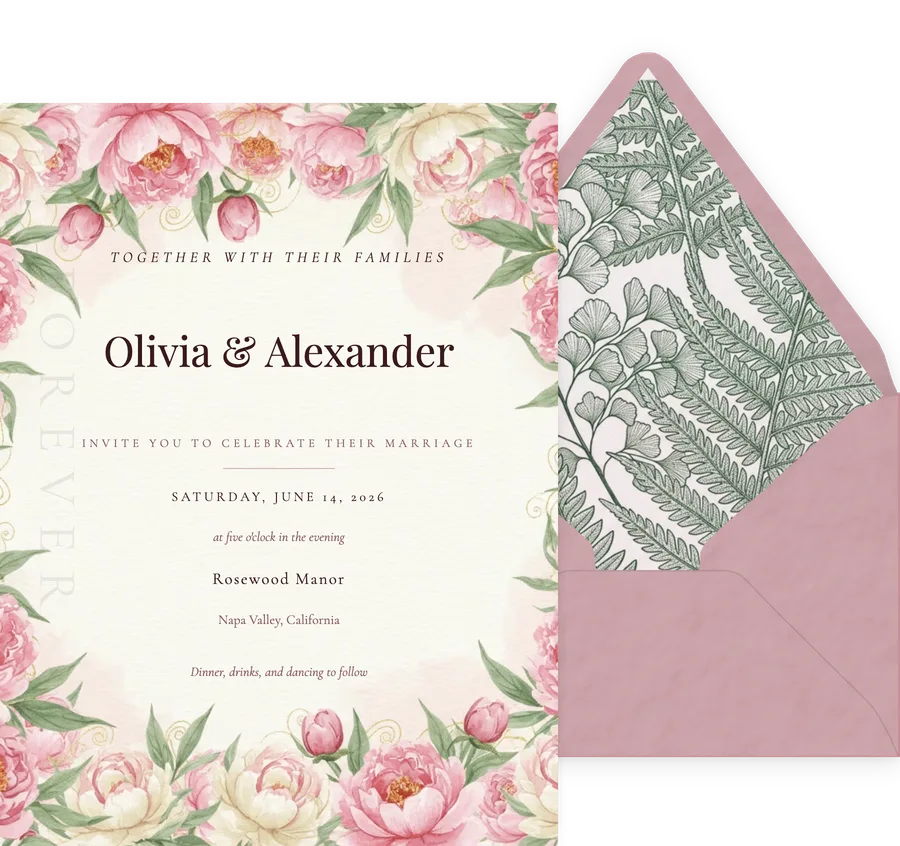
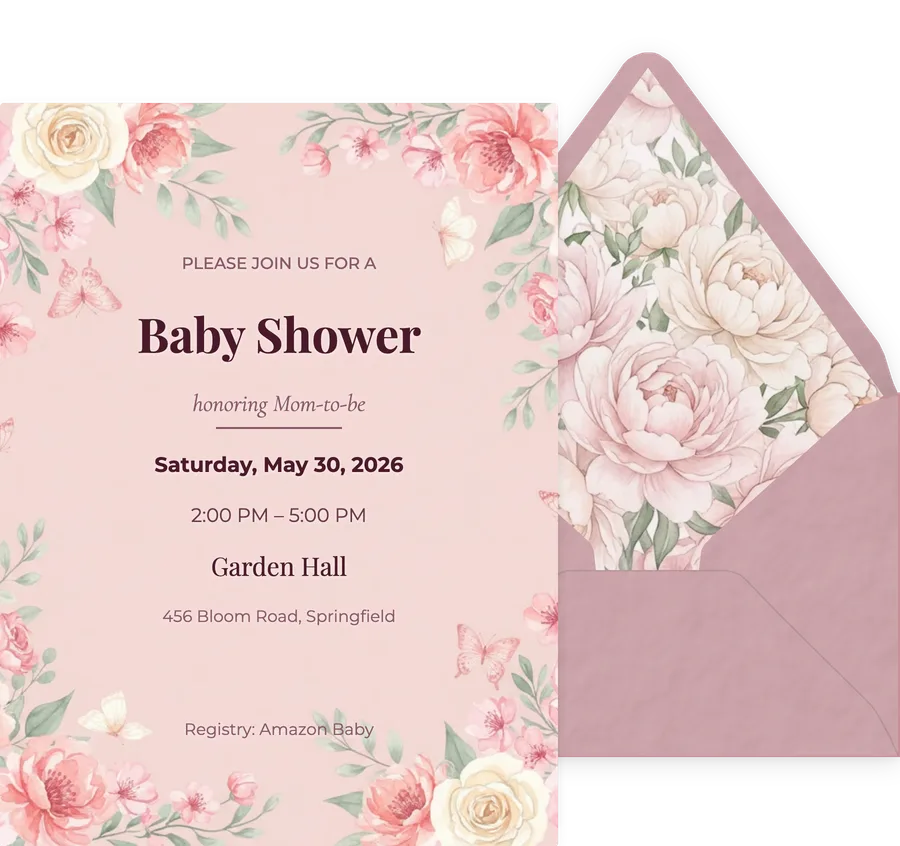
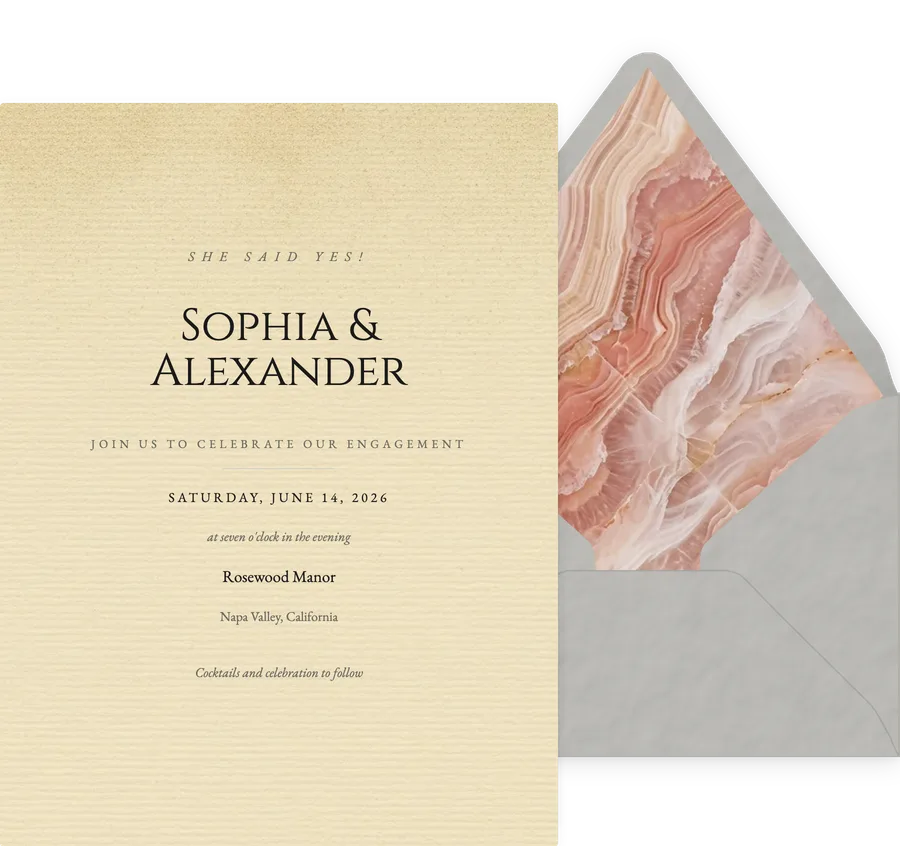
1,200+ designs, every one an invitation
A blank canvas tool gives you an empty page. Every design below already has its text fields, its envelope and its RSVP built in, across 33 occasions.


The short version
InviteDrop is the cheapest way to send a designed, animated invitation to a large guest list: $44.99 covers 100 guests and $74.99 covers an unlimited list, one time, with the animated envelope and RSVP tracking included. Greenvelope is the closest comparison on quality and charges $99 for the same 100 guests, which its own pricing guide confirms. Your first 5 invitations on any event are free, with no ads and no watermark, and the catalog holds 1,200+ designs across 33 occasions, all built as invitations rather than blank artboards. Every guest carries a delivery state and an RSVP status, so you can see who was sent, who opened it, who replied and who bounced. Where the others win: Canva is a better pure design tool, and its Forms element can collect RSVP answers into a Canva Sheet, though it does not send to a guest list or track delivery per guest. Partiful is free and faster for a casual party. Paperless Post has the largest stationery library. Greenvelope is designer led. Evite is the most familiar name to guests, and it shows them ads.
Side by side
Every cell is drawn from our individual comparison pages. Tap a platform name to read the full head to head.
| Feature | InviteDropOur pick | Paperless Post | Evite | Greenvelope | Partiful | Canva |
|---|---|---|---|---|---|---|
| Animated envelope | Yes, every template opens with an animated envelope, included free | Partly, an envelope, liner and stamp come with its paid Premium tier on Card invitations | Partly, animated effects and reveals come with paid Premium, by Evite’s own feature table | Yes, Greenvelope has an envelope reveal with liner, stamp and wax seal | Partly, Partiful’s own pages describe themes, fonts and animations, not an envelope | No, Canva exports a static image or PDF |
| What you get without paying | Yes, 5 invitations on every event, no ads and no watermark | Partly, the first 50 Flyer invites always send free and most Card designs cost Coins, by its own page | Yes, but Evite shows ads to your guests on the free tier | Yes, Greenvelope offers a trial sending to up to 10 people with no card required | Yes, Partiful is free for standard events | Yes, Canva is free to design with, and its Forms element collects responses, but it does not send to a guest list |
| Pricing model | One flat Event Pass per event, from $15.99, paid once and never renewed | Coins charged per recipient, bought in the exact quantity you need or in a package, with a Paperless Pro annual subscription as an alternative | Free with ads, per-invitation Premium upgrades, or Evite Pro at $249.99 a year | One time per mailing, priced by guest-count tier rather than per recipient ($99 for up to 100 guests), or an optional annual membership | Free core product, with a fee on ticket sales and optional paid premium invite designs | Free, with an optional Canva Pro subscription |
| Cost to invite 100 guests | $44.99, one time, everything included | Varies with the design, on a published per-guest rate card from $0.50 to $1.44 | Up to $99.99 for a Premium invitation covering up to 750 guests | $99, one time, all features included | Free | Not applicable, Canva does not send invitations |
| Built-in RSVP tracking | Yes, real time, with yes, no and maybe plus guest counts and custom questions | Yes, Paperless Post includes RSVP tracking with its invitations | Yes, Evite includes RSVP tracking on hosted invitations | Yes, Greenvelope includes RSVP tracking with custom questions | Yes, Partiful includes RSVP tracking free | Partly, Canva Forms collects RSVP answers into a Canva Sheet or a CSV, but there is no guest list behind it, so it cannot tell you who has not replied |
| Design quality | Yes, 1,200+ designs drawn by human designers, every one built as an invitation | Yes, Paperless Post is the strongest name for stationery-style formal design | Partly, exclusive designs and double-sided invitations are gated behind paid Premium | Yes, Greenvelope is designer led and states its artwork is human made, not AI generated | Partly, Partiful is deliberately playful, with themes and effects rather than stationery | Yes, Canva gives the most creative control of anything here, if you design it yourself |
| What your guest experiences | Opens in any browser, no app and no account, no ads, works on any phone | Opens in a browser with no account needed, and shows guests no ads | Opens in a browser, but removing the ads shown to free-tier guests requires paid Premium | Opens in a browser with no account needed, and shows guests no ads | Opens in a browser, though Partiful asks every guest for a phone number and a texted code before recording an RSVP | A Canva link or one-page site that you share yourself, with no envelope and no personalisation per guest |
| How you send it | Email, SMS or a shareable link, all included on every event | Text, email or a shareable link | Email, text or a shareable link | Email, SMS to supported countries, WhatsApp, Facebook Messenger or a shareable link. A paid account includes 500 text messages, with more available for a fee | Text, email or a link, with text the route it leads with | You share a Canva link yourself, or print it. Canva does not email or text a guest list, and its own docs say a form only collects responses when it is opened as a Canva link |
| Mobile-first editor | Yes, the editor was designed phone first and every feature works on a phone | Has iOS and Android apps of its own | Has iOS and Android apps of its own | Partly, Greenvelope has a mobile app and a responsive site, but its own FAQ recommends designing the card on a desktop | Yes, Partiful is mobile first | Yes, Canva has a full mobile app |
| Template library size | 1,200+ designs across 33 occasions, all of them invitations | Thousands of designs, the largest dedicated invitation library here | Large, covering most casual occasions | Smaller and designer led, chosen rather than accumulated | Themes rather than a stationery library, with backgrounds, fonts and animations on top | Millions of templates, though most of them are not invitations |
| What you can change on a design | Every text field, colour, font, photo, envelope, liner, texture, stamp and seal | Text boxes, photos, stickers and custom colours by hex or eyedropper, plus envelope, liner and stamp on Premium | Customizable designs on both tiers, with exclusive designs on Premium | Text, colours, fonts and envelope styling, with deep customization | Backgrounds, fonts, animations and posters, by its own homepage | Everything, because on Canva you start from a blank canvas |
| Support | Email support, usually answered within 6 hours and always within 24 | Help centre and email support | Help centre and email support | Greenvelope publishes a support phone number | Help centre and email support | Help centre and email support |
| Best suited to | Formal and casual events alike, when you want the whole price up front | Stationery-style formal events, if you accept per-recipient Coin pricing | Familiar casual gatherings, when ads to guests are acceptable | Formal weddings and corporate events, with a bigger budget per guest | Casual, last-minute parties | Designing the artwork, not sending or tracking it |
We keep the rows we lose. A table someone wins seven times out of seven is an advert, not a comparison.
Every competitor claim above was last checked against that company's own published pages on .
Corrected claims, with the competitor's own words
These cells were wrong and have been fixed. Each quote is from the company's own page, not from a review site, with the date we read it. If you find another cell on this page that does not match a competitor's current pages, tell us and we will correct it the same way.
Canva Forms can collect RSVP responses
“If you're hosting an event, you can easily create digital RSVP forms to tally your guests with ease.”
canva.com, read
Canva form responses can be exported, and land in a Canva Sheet
“Select Responses. A panel that shows the responses should appear. Select More, then Download as CSV to download the response data.”
canva.com, read
Canva has no guest list: a form only works as a shared Canva link
“Forms and quizzes must be shared via a Canva link to collect responses. Forms won't collect responses if downloaded as images, videos, or PDFs.”
canva.com, read
Canva cannot attribute a response to a named guest on a Canva Website
“On Canva Websites, responses are always anonymous. Names can't be collected.”
canva.com, read
Greenvelope is priced by guest-count tier, not per recipient
“Greenvelope charges a flat one-time amount for each mailing, set by the number of people on your guest list and starting at $19. There is no subscription required, no coins or credits to buy. Annual memberships are also available if you send several mailings a year.”
greenvelope.com, read
Greenvelope charges $99 for up to 100 guests
“Greenvelope starts at $19 for a single mailing to up to 20 guests, with single mailings priced by guest list size: $99 for up to 100 guests, $249 for up to 250, $374 for up to 500, and $499 for up to 1,000.”
greenvelope.com, read
Greenvelope delivers by email, SMS, WhatsApp, Messenger and link
“Alongside email, you can send Greenvelope invitations and cards by SMS text message (in supported countries), WhatsApp, Facebook messenger, or a sharable link you post or hand out yourself.”
greenvelope.com, read
Greenvelope includes 500 text messages with a paid account
“Every paid Greenvelope account includes a maximum of 500 text messages. This limit can be increased for an additional fee.”
greenvelope.com, read
Greenvelope recommends designing on a desktop, and has a mobile app
“Yes. There is a Greenvelope mobile app, which works especially well for tracking RSVPs on the go. For the actual card design step, we recommend doing that on desktop, since the larger canvas makes it easier to adjust layout, fonts, and colors.”
greenvelope.com, read
Paperless Post sells the envelope, liner and stamp as paid Premium elements
“Make every guest feel special with personalized invitations featuring curated envelopes, liners, and stamps”
paperlesspost.com, read
Paperless Post publishes a per-guest rate card from $0.50 to $1.44
“Free$0.00 per guest / Basic$0.50 per guest / Premium$1.05 per guest / All Access$1.44 per guest. The more guests you invite, the less you pay per guest.”
paperlesspost.com, read
Paperless Post Coins are charged per recipient and can be bought in the exact quantity needed
“To determine the total cost, take your design’s number of “Coins per recipient” and multiply it by the number of guests you plan to invite. You can purchase Coins in exactly the quantity you need after adding your guest list to your event, or you can purchase a package at any time.”
paperlesspost.com, read
Paperless Post includes RSVP tracking free and shows guests no ads
“No distracting ads, ever, stated on Paperless Post’s own online invitations page”
paperlesspost.com, read
Paperless Post sends the first 50 Flyer invites free, by text or email
“Your first 50 Flyer invites are always free to send, regardless of whether you send via text message or email.”
paperlesspost.com, read
Evite gates ad removal, animated reveals and envelopes behind paid Premium
“Feature / Free / Premium: Customizable designs yes/yes. Read receipts yes/yes. Shareable link yes/yes. No ads Premium. Animated effects and reveals Premium. Exclusive designs Premium. Envelopes, stamps, and stickers Premium. Host photo gallery Premium. Double-sided invitations Premium.”
support.evite.com, read
Evite Premium is priced by guest cap up to $99.99, and Evite Pro is $249.99 a year
“Silver: Up to 12 guests $17.99. Gold: Up to 30 guests $36.99. Platinum: Up to 75 guests $68.99. Diamond: Up to 750 guests $99.99. Evite Pro is an annual subscription that covers unlimited Invitations up to 2,500 guests each, $249.99.”
support.evite.com, read
Partiful publishes a dedicated wedding invitation page
“Create a free wedding invitation in minutes, send it straight to your guests’ phones by text, email, or link, and track RSVPs in real time. Pick a theme, then customize with colors, fonts, and animations to match your wedding aesthetic.”
partiful.com, read
Partiful advertises backgrounds, fonts, animations and posters as its customization
“Fun, modern invites in 1-click. 100% free, no paywalls. Customize the perfect invite. Backgrounds / Fonts / Animations / Posters”
partiful.com, read
Partiful charges a fee on ticket sales and sells optional premium invite designs
“Partiful is a free event planning and invitation platform. Our core product is free, and always will be. Partiful makes money through a small fee on ticket sales and optional purchases like premium invite designs.”
help.partiful.com, read
Partiful requires a guest phone number and a texted code before recording an RSVP
“Once you click on your response (such as "Going"), you’ll be asked to enter your name and your phone number in order to verify your RSVP. After you enter your phone number and press continue, you’ll get a code texted to your number.”
help.partiful.com, read
What the RSVP dashboard shows you, per guest
InviteDrop gives every event an RSVP dashboard with per-guest delivery tracking beside the reply. For each guest you see Sent, Delivered, Invite Opened, Viewed, Bounced or Not Sent, each with a timestamp, alongside an RSVP status of RSVP'd Yes, Maybe, Declined or Awaiting Reply, their plus-one and adult and kid counts, and their answers to your custom questions. The headcount updates as replies arrive. You can filter the list to the non-responders, send reminders to only that group, and take the whole thing away with Export CSV, which includes RSVP Status, Delivery Status, Plus Ones, Sent At, Delivered At, Opened At and Responded At as columns.
- Sent, with the time it went out
- Delivered, confirmed by the email or text provider
- Opened, when the guest opened the invitation
- Viewed, when they opened the invitation page itself
- Bounced or Not Sent, when the invitation never arrived
- RSVP status: RSVP'd Yes, Maybe, Declined or Awaiting Reply
- Plus-ones, and adult and kid counts when you collect them
- Custom question answers, attached to the guest who gave them
- Reminder history: what we sent, when, and whether it was opened
The full breakdown, including how reminders target the non-responders, is on our RSVP tracking page.
How large an event InviteDrop handles
There is no hidden size ceiling, and no per-guest fee at any size. Every event starts with 5 free invitations. Past that it is one flat Event Pass for that event: $15.99 up to 25 invitations, $29.99 up to 50, $44.99 up to 100, and $74.99 for Event Pass Unlimited, which has no guest limit at all. The RSVP dashboard, delivery tracking, custom questions and reminders are identical at every one of those tiers, so a 400-guest wedding gets the same tracking as a 12-guest dinner and costs $74.99 once rather than $74.99 per mailing. The one explicit cap in the product is on the InviteDrop Pro subscription ($249.99 a year, unlimited events), which covers events of up to 1,000 guests each; a larger event than that takes a one-time Event Pass Unlimited instead. Guest lists are read in pages rather than in one capped request, and the dashboard tells you if a count is incomplete instead of showing you a plausible wrong number.
The whole price, before you start
The first 5 invitations on every event are free, with no ads and no watermark. Past that it is one flat Event Pass covering the whole guest list. It is not a virtual currency you buy in packs and it is not a subscription that renews.
Common questions
What is the best digital invitation platform for events?
There is no single winner, because the platforms optimise for different things. InviteDrop is the best value for a designed, animated invitation sent to a large list: $44.99 covers 100 guests and $74.99 covers an unlimited list, one time, with RSVP tracking included. Greenvelope is the strongest premium option and charges $99 for the same 100 guests. Paperless Post has the largest stationery library but charges in coins per recipient. Partiful is the best free option for a casual party. Evite is the most familiar to guests and shows them ads on its free tier. Canva is the best design tool here, and its Forms element can collect RSVP answers, but it does not send to a guest list or track delivery per guest.
Which digital invitation platform is best for RSVP tracking?
InviteDrop, Paperless Post, Evite, Greenvelope and Partiful all include real-time RSVP tracking. The differences are in depth and cost. InviteDrop includes yes, no and maybe with head counts, plus-one limits and up to five custom question types on every event, free from the first invitation. Greenvelope, Paperless Post and Partiful all offer host questions too, by their own descriptions. Partiful is free but asks every guest for a phone number and a texted code before it records an RSVP. Canva Forms can collect RSVP answers into a Canva Sheet, exportable as a CSV, but Canva does not send to a guest list and does not track delivery, opens or reminders per guest, so it cannot tell you who has not replied.
Which digital invitation platform has the best design quality?
For stationery-style formal design, Paperless Post and Greenvelope are the two strongest names, and Greenvelope states its artwork comes from human designers and independent artists with no AI-generated work. Canva offers the most creative control of anything here, provided you are willing to design the invitation yourself from a blank canvas. InviteDrop sits between the two: every one of its designs is drawn by a human designer and built as a finished invitation, with the text fields, envelope and RSVP already in place, so you are editing a design rather than making one.
Which digital invitation service offers the best free-to-start plan?
Partiful is free outright for standard events, which makes it the cheapest option if a casual event page is all you need. Among the platforms that offer designed invitations, InviteDrop gives you 5 free invitations on every event with no ads, no watermark and the animated envelope included, and Greenvelope offers a trial that sends to up to 10 people with no card required. Evite has a free tier, and removing ads requires its paid Premium tier, by Evite’s own feature table. Paperless Post sends your first 50 Flyer invites free and charges Coins for most of its Card designs.
Which digital invitation platform is best for the recipient experience?
The question is really what your guest has to do before they can respond. InviteDrop, Paperless Post and Greenvelope all open in any browser with no app to install and no account to create, and none of them show guests advertising. Partiful opens in a browser but asks guests for a phone number in order to RSVP. Evite shows ads to guests on the free tier, which is the single biggest difference in guest experience across this set. On Canva the guest opens a link or a one-page site that you share yourself, with no envelope and nothing personalised to them.
Which invitation templates library has the best templates?
Paperless Post has the largest dedicated invitation library, in the thousands of designs, and it is the strongest for stationery-style formal occasions. Canva has millions of templates but most of them are not invitations. InviteDrop carries designs across a wide occasion range, and the distinction that matters is that every one is built as an invitation, with text fields, an envelope and an RSVP already wired in, rather than artwork you have to convert. Greenvelope has the smallest library here and the most deliberately curated one. Partiful offers themes with backgrounds, fonts and animations rather than a stationery library.
What is the best digital invitation platform for mobile invites?
InviteDrop and Partiful are the two built phone first. On InviteDrop the full editor runs on a phone rather than a cut-down version of it, so you can pick a design, add the guest list and send without opening a laptop, and guests open the invitation in a mobile browser with no app. Partiful is mobile first and text first, which suits a casual party. Canva has a capable mobile app, but it does not send to a guest list. Greenvelope has a mobile app and a responsive site, though its own FAQ recommends designing the card on a desktop.
Which digital invitation app is the best value?
It depends on how many people you are inviting. Partiful is free and the cheapest option for a casual party, and it publishes a wedding page of its own, though its designs are themes rather than stationery. Paperless Post and Greenvelope both look the part for a wedding, but Paperless Post charges in coins that you buy in packs and Greenvelope publishes $99 for 100 guests, one time, all features included. InviteDrop is free for your first 5 invitations on any event, then one flat Event Pass covers the whole guest list, from $15.99 for up to 25 guests to $74.99 for unlimited.
Which invitation apps show ads to your guests?
Evite shows ads to guests on its free tier. InviteDrop, Paperless Post, Greenvelope, Partiful and Canva do not.
Which digital invitations have an animated envelope?
InviteDrop opens every invitation with an animated envelope, included free on every template. Greenvelope also has an envelope reveal, with a liner, stamp and wax seal. Paperless Post sells an envelope, liner and stamp as paid Premium elements on its Card invitations. Evite, Partiful and Canva have none.
Do any of these track RSVPs for free?
InviteDrop, Paperless Post, Evite and Partiful all include real-time RSVP tracking at no cost. Greenvelope includes it too, on its trial and on every paid mailing. Canva Forms can collect RSVP answers into a Canva Sheet, exportable as a CSV, but Canva does not send to a guest list and does not track delivery, opens or reminders per guest, so it cannot tell you who has not replied.
What is the best free alternative to Paperless Post?
Paperless Post charges coins for most premium designs, so the honest comparison is what you get without paying. Partiful is free. InviteDrop gives you 5 free invitations on every event with no ads and no watermark, including the animated envelope and RSVP tracking, then charges one flat Event Pass rather than per design.
Does InviteDrop have fewer designs than the big marketplaces?
No. The catalog holds 1,200+ designs across 33 occasions, covering weddings, birthdays, baby showers, save the dates, graduations, quinceaneras, memorials and more. The difference from a marketplace like Canva is not the number of designs, it is that every one of these is built as an invitation, so it already has the text fields, the envelope and the RSVP wired in.
How much design freedom do you get compared to a blank canvas tool?
You start from a finished invitation rather than an empty page, and from there you can change every text field, the colour palette, the fonts, the photos, the envelope, the envelope liner and the backdrop behind the card. A blank canvas tool like Canva gives you more freedom in the sense that nothing is decided for you, which also means nothing is done for you: its Forms element can collect RSVP answers, but there is no guest list and no send flow behind it. The trade is deliberate.
Is InviteDrop suitable for anything beyond small personal events?
Yes. The Event Pass tiers run to unlimited invitations for a single event, so a large wedding or a company party is handled the same way a birthday is. It is honest to say we are a newer name than Evite or Paperless Post, so if brand familiarity with your guests matters more to you than the invitation itself, that is a real reason to pick one of them instead. What you can check about us directly: guests are never shown ads, we do not sell guest data, and the full price is published before you start.
Is InviteDrop actually free?
The first 5 invitations on every event are free, with no ads and no watermark, and that includes the animated envelope and RSVP tracking. Larger guest lists need a one-time Event Pass for that event. It is not a subscription and there is no per-guest fee.
Every comparison we publish
37 head to head comparisons, each written to stay useful even when the answer is that the other platform suits you better.
Go deeper
What your guests actually see
The invitation from the recipient side, start to finish. No app, no account, no advertising, and an envelope that genuinely opens.
Read itDesign quality, in numbers
What design quality means for something that opens on a phone, counted from the real catalog, including the two places a competitor is genuinely better.
Read itSend one and see the difference
Your first 5 invitations on any event are free, with the animated envelope and RSVP tracking included. No card, no watermark, no ads for your guests.
Pick a design