What your guests actually see
Most of the argument about digital invitations is about the person sending them. This page is about the person receiving one. No app to install, no account to create, no advertising, and an envelope that genuinely opens.
The short version
An InviteDrop invitation reaches a guest as a link by text message or email. Opening it shows a sealed envelope that unseals on screen, with the liner and the card inside, on every design rather than on a premium tier. The guest never installs an app, never creates an account, and is never shown an advertisement. They accept or decline in one tap, in wording that matches the invitation, add the names of anyone they are bringing, and add the event to their calendar or open directions with one more tap. After the event, the same link can show a shared photo album.
Start to finish, from their side
- 1
It arrives by text or email
The invitation reaches your guest as a link, sent by text message or by email. There is nothing to download and no account to create, on either side.
- 2
It opens as a sealed envelope
The link opens a real envelope that unseals on screen, with the liner and the card inside. This is the part guests remember, and it happens on every design rather than on a premium tier.
- 3
They read it in the browser they already have
The invitation renders in any mobile or desktop browser. No app store, no login wall, and no advertising anywhere on the page.
- 4
They reply in one tap
Accepting or declining is a single tap. The wording follows the invitation, so a formal card reads "Joyfully Accept" and a casual one reads "Count Me In", rather than a generic button pasted onto every design.
- 5
They add who they are bringing
A guest who is allowed a plus one can enter the names of the people coming with them, so the host gets a real head count instead of a number to chase.
- 6
They get the practical details
The invitation carries the date, the time and the address, with one tap to add the event to a calendar and one tap to open directions.
What a guest is spared
The reasons people say they dislike receiving a digital invitation, and what happens instead.
Install an app to open it
Opens in the browser they already have
Create an account to reply
Reply in one tap, no sign up
Adverts around the invitation
No advertising anywhere, ever
A flat image with no occasion
A sealed envelope that opens on screen
Retype the date into a calendar
One tap to add to calendar
Text the host to ask the address
One tap to open directions
The guest side, platform by platform
The recipient-facing rows of our full comparison, last verified 2026-10-01. Paperless Post and Greenvelope are a genuine match on the thing that matters most here, which is that a guest sees no advertising and needs no account, and the table says so.
| Feature | InviteDrop | Paperless Post | Evite | Greenvelope | Partiful | Canva |
|---|---|---|---|---|---|---|
| What your guest experiences | Opens in any browser, no app and no account, no ads, works on any phone | Opens in a browser with no account needed, and shows guests no ads | Opens in a browser, but removing the ads shown to free-tier guests requires paid Premium | Opens in a browser with no account needed, and shows guests no ads | Opens in a browser, though Partiful asks every guest for a phone number and a texted code before recording an RSVP | A Canva link or one-page site that you share yourself, with no envelope and no personalisation per guest |
| How you send it | Email, SMS or a shareable link, all included on every event | Text, email or a shareable link | Email, text or a shareable link | Email, SMS to supported countries, WhatsApp, Facebook Messenger or a shareable link. A paid account includes 500 text messages, with more available for a fee | Text, email or a link, with text the route it leads with | You share a Canva link yourself, or print it. Canva does not email or text a guest list, and its own docs say a form only collects responses when it is opened as a Canva link |
| Animated envelope | Yes, every template opens with an animated envelope, included free | Partly, an envelope, liner and stamp come with its paid Premium tier on Card invitations | Partly, animated effects and reveals come with paid Premium, by Evite’s own feature table | Yes, Greenvelope has an envelope reveal with liner, stamp and wax seal | Partly, Partiful’s own pages describe themes, fonts and animations, not an envelope | No, Canva exports a static image or PDF |
| Built-in RSVP tracking | Yes, real time, with yes, no and maybe plus guest counts and custom questions | Yes, Paperless Post includes RSVP tracking with its invitations | Yes, Evite includes RSVP tracking on hosted invitations | Yes, Greenvelope includes RSVP tracking with custom questions | Yes, Partiful includes RSVP tracking free | Partly, Canva Forms collects RSVP answers into a Canva Sheet or a CSV, but there is no guest list behind it, so it cannot tell you who has not replied |
The full grid is on the comparison hub. How guests actually behave once the invitation arrives is measured on our RSVP benchmarks page.
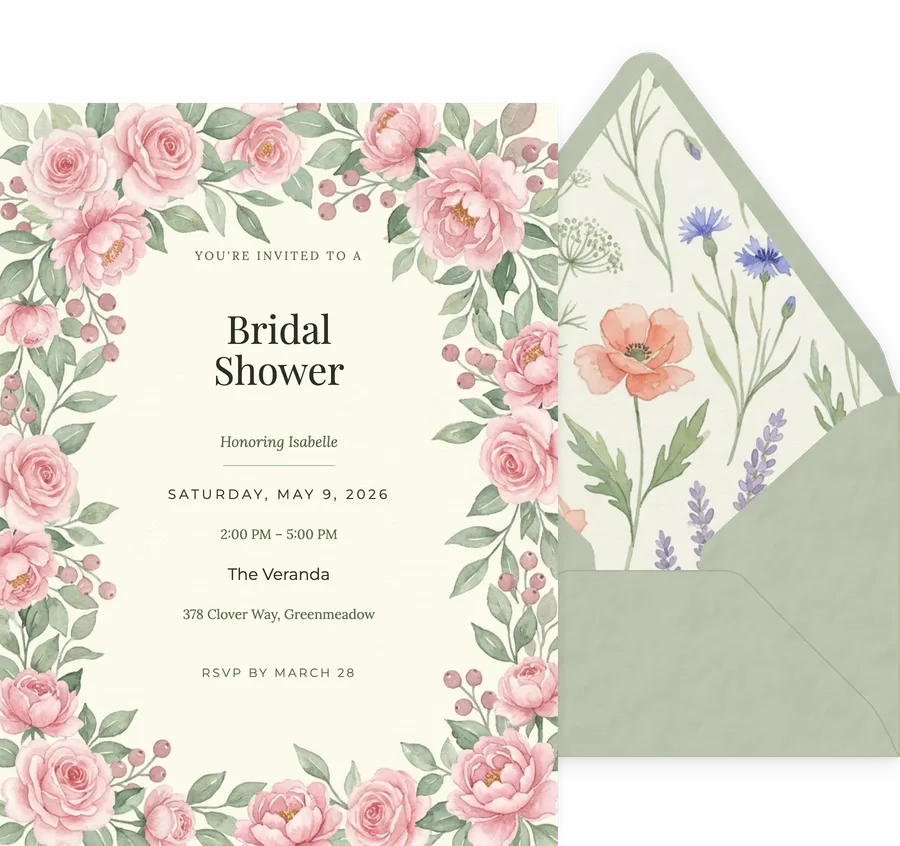
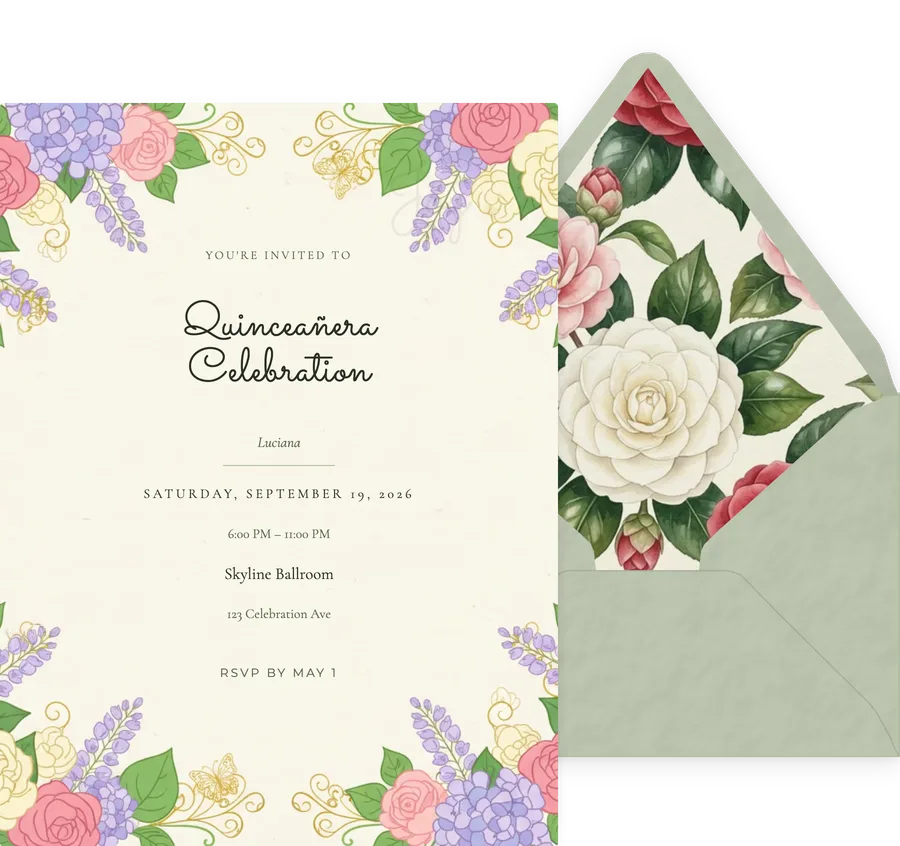
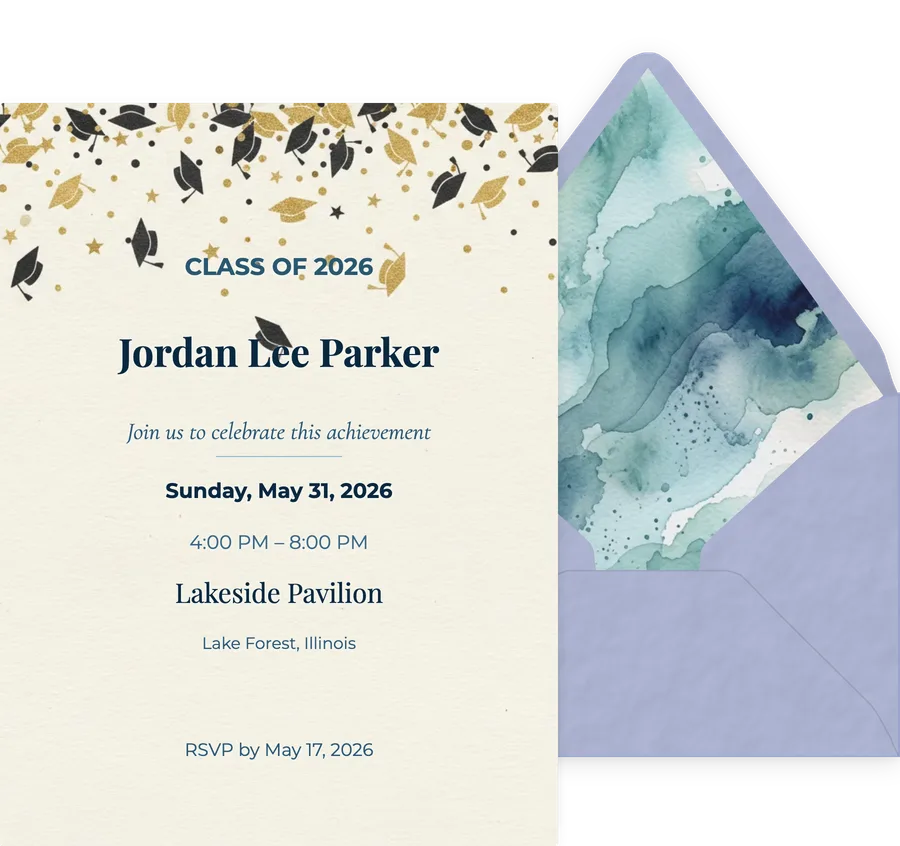
This is what lands
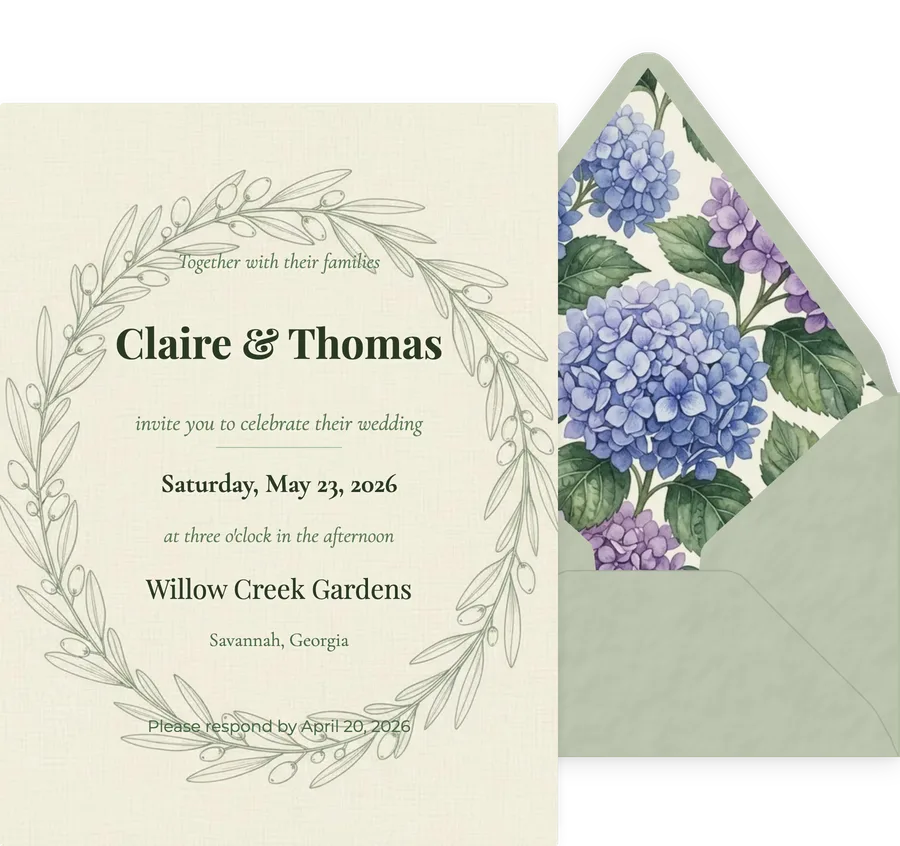
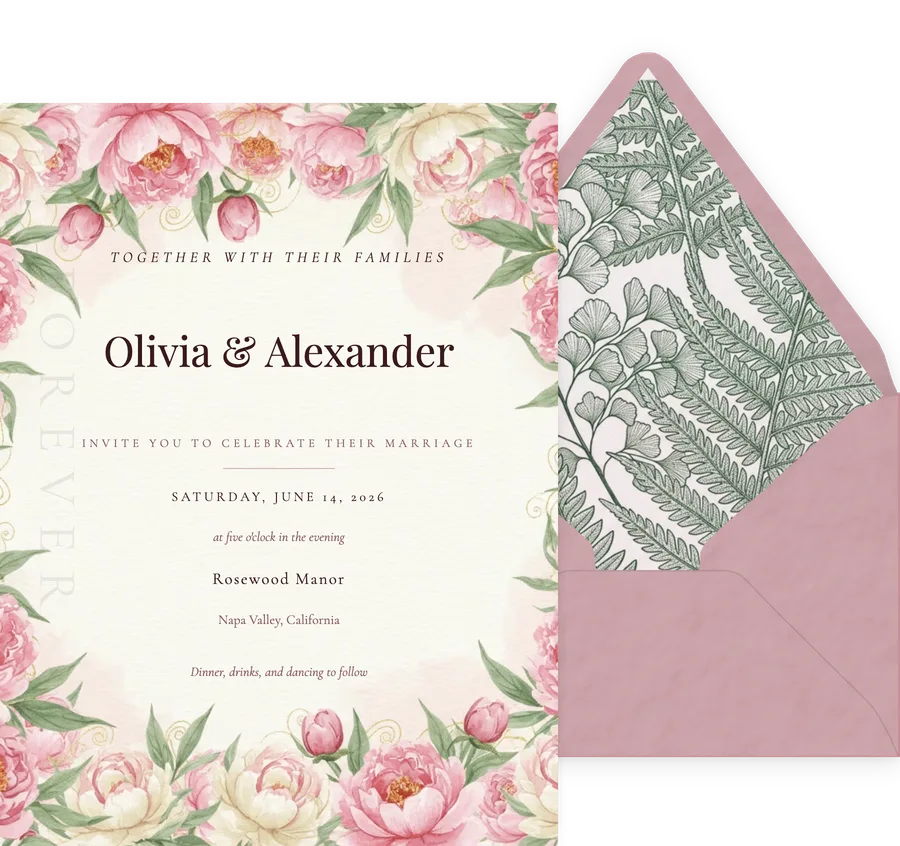
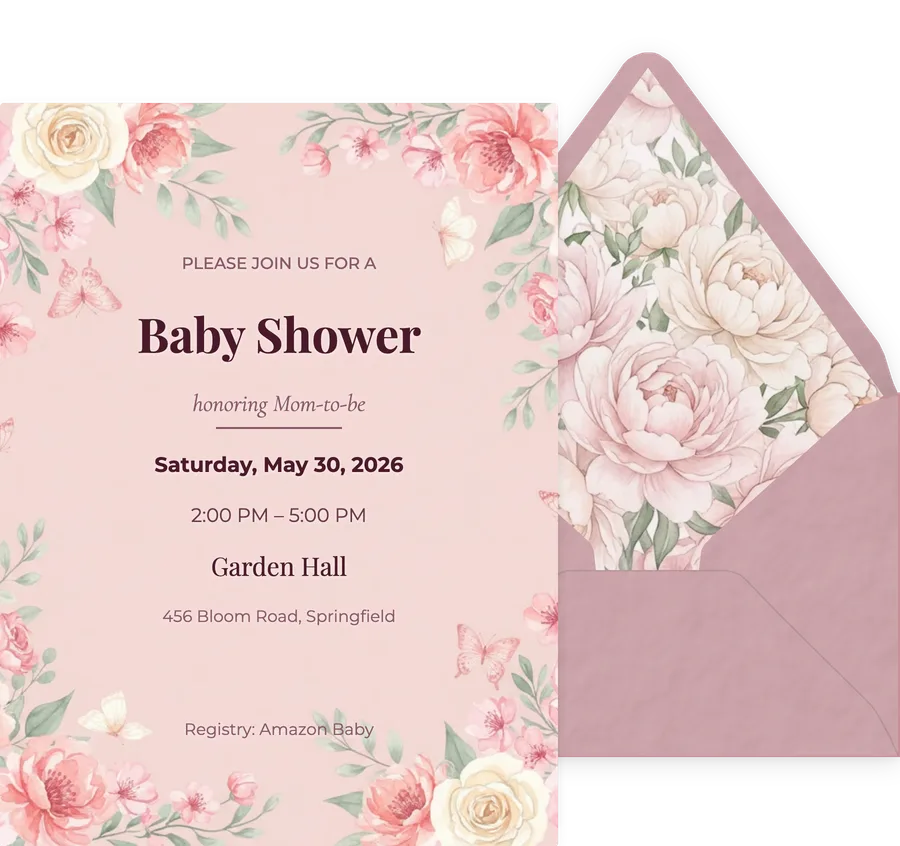
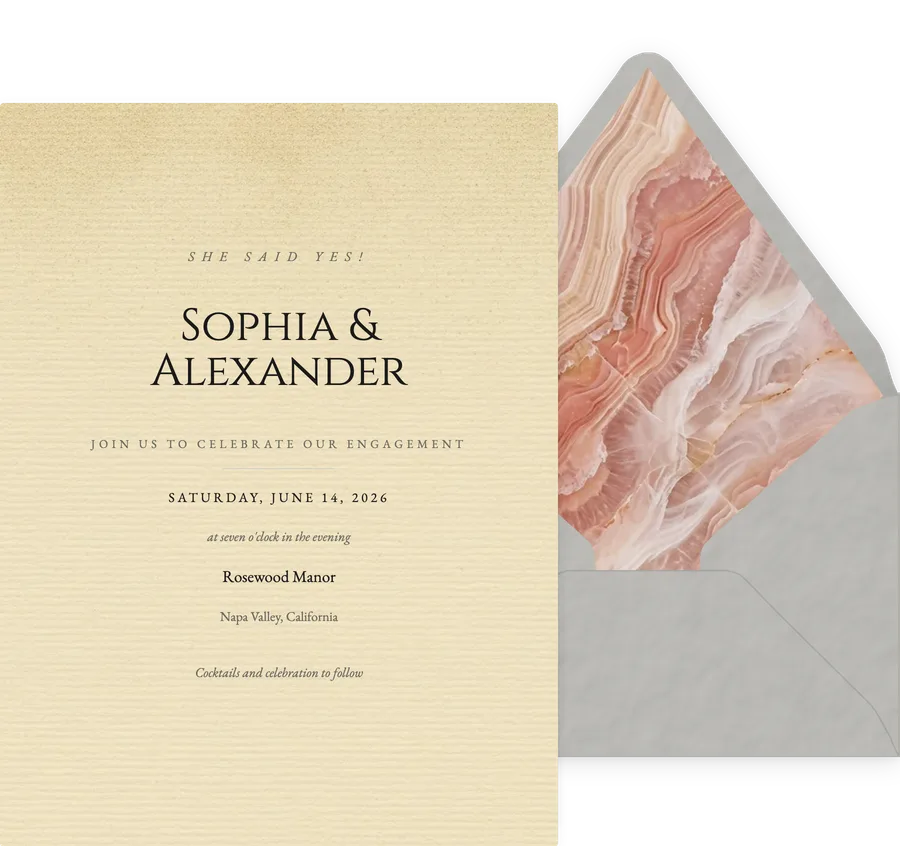
The card and its envelope, exactly as a guest receives them. Every design opens the same way.

Questions guests and hosts ask
Do guests need an app or an account to open a digital invitation?
On InviteDrop, no. The invitation opens from a link in any browser, on a phone or a computer, with nothing to install and no sign up. Guests never create an account, and they are never shown an advertisement. Some platforms do gate the reply behind a sign up or show ads to guests on their free tier, so it is worth checking before you send.
What do guests actually see when they open an InviteDrop invitation?
A sealed envelope that opens on screen, with the liner visible and the card inside. After it opens they see the full invitation, the event details, and the reply buttons. The envelope animation is on every design, not only on paid or premium templates.
How do guests RSVP?
They tap accept or decline directly on the invitation. The wording matches the design, so a formal invitation reads "Joyfully Accept" and "Regretfully Decline" while a casual one reads "Count Me In". If the host has turned it on, guests also get a Maybe option. Guests who are allowed a plus one can add the names of who they are bringing.
Can guests add the event to their calendar?
Yes. The invitation offers a one tap add to calendar, which works with Apple Calendar, Google Calendar and Outlook, and a one tap link to directions for the venue.
Can guests see who else is coming?
Yes, when the host chooses to show it. The invitation has a guest list the recipient can open to see who has already accepted, which is often what turns a maybe into a yes.
Do guests see ads on digital invitations?
On InviteDrop, never. Guests are shown no advertising on the invitation or in the reply flow, and guest data is not sold. Evite lists “No ads” as a paid Premium feature in its own Premium vs. Free table, so its free tier shows guests ads, which is the most common complaint about sending a free digital invitation.
What happens after the event?
The host can open a shared photo album on the same invitation link, so guests can look back at the event in the same place they were invited to it.
See it the way they will
Send yourself an invitation before you send anyone else one. Your first 5 on any event are free, with the envelope and RSVP tracking included.
Pick a design